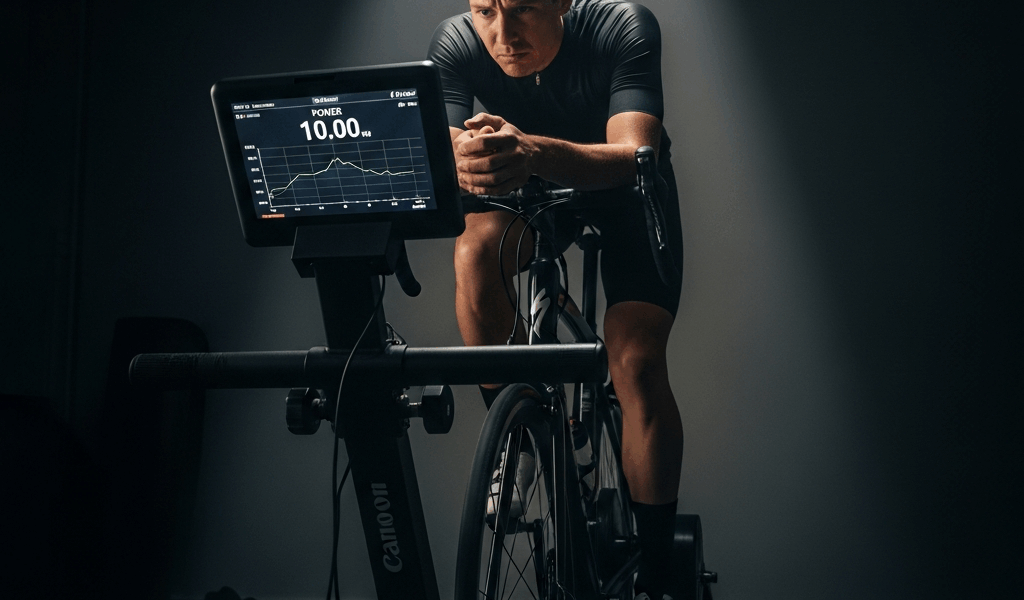
You’re mid-workout, cruising at 220 watts, and out of nowhere the resistance spikes. Your legs slow down. The trainer pushes back harder. Cadence drops to 60, then 50, then your legs basically lock up while the resistance keeps climbing like it’s trying to teach you a lesson. That’s the ERG mode spiral of death — and if you’ve landed on this page, you’re probably staring at your screen right now wondering what just broke.
Good news: nothing’s broken. Here’s how to stop it right now, mid-ride, and how to make sure it stops happening.
Why ERG Mode Feels Like Your Trainer Is Fighting You
ERG mode has one job: hold a target wattage regardless of what your cadence does. If the workout says 200 watts, the trainer adjusts resistance to keep you at 200 whether you’re spinning at 95 RPM or grinding at 65.
Here’s where it goes wrong. Power roughly equals force times cadence. If your legs slow down, the trainer has to crank up resistance to maintain the same wattage. More resistance makes your legs slow down more. Which triggers more resistance. This feedback loop is the spiral of death, and once it starts, it accelerates faster than you’d expect.
The root cause is almost always cadence — not your trainer hardware, not Zwift, not a Bluetooth glitch. Your legs slowed down. Maybe you shifted your weight, glanced at your phone, or the interval was just genuinely hard. ERG mode did exactly what it’s designed to do: compensate. The problem is that compensation makes things worse instead of better.
How to Stop the Spiral Mid-Workout
When you feel resistance climbing and your cadence dropping, you’ve got maybe 5-10 seconds before your legs lock completely. Act fast.
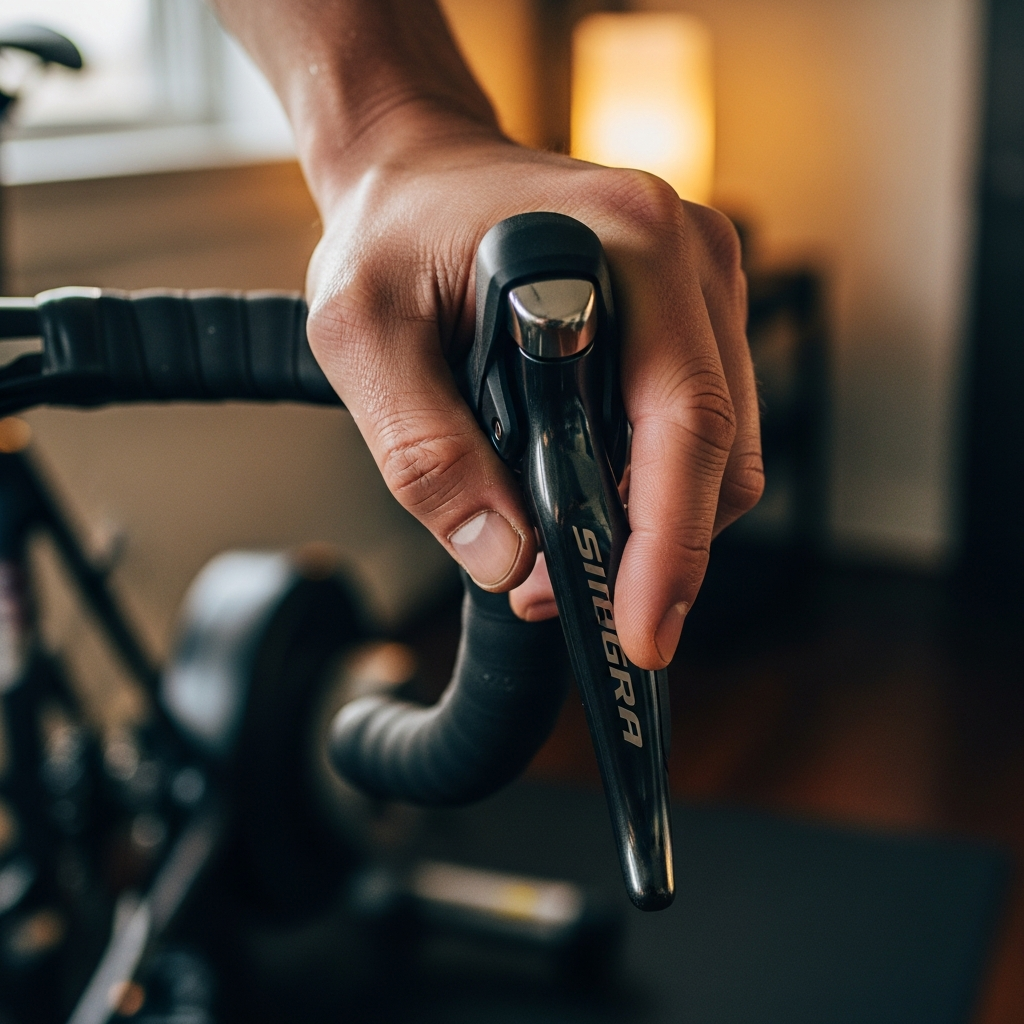
Step 1: Shift to an easier gear. Don’t try to power through — you won’t win that fight. Drop two or three gears immediately. This cuts the force per pedal stroke and lets you get moving again.
Step 2: Spin your cadence back above 80 RPM. Forget power numbers for the moment. Just get the pedals turning fast. ERG mode will see the higher cadence and start backing off the resistance to hold the target wattage. You should feel the trainer relent within 3-5 seconds once your cadence recovers.
Step 3: Shift back up gradually. Once the resistance feels normal and you’re stable above 85 RPM, click back to your normal gear one shift at a time. Give each shift 10-15 seconds to settle before going up again.
If it’s already too late and your legs have completely seized — just stop pedaling for five seconds, let the trainer reset itself, then start spinning again in an easy gear. It happens to everyone. I got caught in the spiral three times during my first month on Zwift before I figured out the gear-shift trick.
ERG Mode Shows No Resistance — Connectivity Causes
Sometimes the issue isn’t the spiral at all — it’s that ERG mode seems completely dead. You’re pedaling and resistance never changes, or it drops to nothing and stays there. That’s almost always a connection problem.
Bluetooth vs ANT+ dropout. Bluetooth connections drop mid-ride more often than people realize, especially when your phone or laptop is juggling multiple connections — heart rate strap, cadence sensor, and trainer all competing for bandwidth. When the trainer disconnects, ERG mode goes offline because the app can’t send resistance commands anymore. Check your connection status in Zwift — look for the lightning bolt icon on the pairing screen. If it’s grayed out, you’ve dropped.
The fix: If Bluetooth dropouts keep happening, switch to ANT+ with a USB dongle. ANT+ handles multiple simultaneous device connections more reliably. Already on ANT+? Make sure the dongle is on a USB extension cable positioned close to your trainer — not plugged into the back of a desktop across the room behind a desk.
Not actually in ERG mode. This one feels obvious, but check anyway. In Zwift, if you’re doing a free ride or riding a route (not a structured workout), the trainer runs in simulation mode — resistance changes based on virtual gradient, not power targets. ERG mode only kicks in during structured workouts. If you started a route instead of a workout, there’s your answer.
ERG Mode Too Hard or Too Easy
If ERG mode technically works but the resistance feels completely wrong — every interval feels impossible, or everything feels like you’re barely pedaling — the culprit is almost certainly your FTP setting.
FTP set too high: Zwift scales all workout intensities to your FTP. If a workout calls for 90% FTP and yours is set at 280 when your actual FTP is closer to 240, you’re targeting 252 watts instead of 216. That 36-watt gap compounds across every interval and makes the whole workout brutally hard. Go into settings and use a recent test result — the number you wish were true doesn’t count.
FTP set too low: The opposite problem. Everything feels too easy because the targets sit below your real capacity. You might not even notice until you realize you haven’t failed a single workout in months and your fitness has plateaued.
Calibration issues (wheel-on trainers): If you’re riding a KICKR SNAP, Tacx Flow, or any wheel-on unit, run a spindown calibration through the manufacturer’s app before every session. Skipping it can throw power readings off by 10-20 watts — which means ERG mode targets the wrong resistance even when it’s technically working fine.
How to Prevent the Spiral Every Time
Once you understand what triggers the death spiral, avoiding it is surprisingly simple.
Keep cadence above 80 RPM during intervals. This is the single most important habit. The spiral almost never starts when cadence stays up. When you feel your legs slowing, consciously spin faster before the trainer begins ramping resistance. Make cadence your primary number to watch during hard efforts — not power, not speed. Eyes on the RPM.
Warm up for at least 10 minutes before hard efforts. Cold muscles produce less power at the same perceived effort. Jump straight into threshold intervals without warming up and your legs will fade faster, cadence drops, and the spiral starts. Most Zwift workouts include a warmup block. Don’t skip it, even when you’re short on time.
Calibrate before every session. This one’s for wheel-on trainer riders specifically. A proper spindown ensures the resistance your trainer applies matches what the app requests. Without it, you could be working 15 watts harder than the numbers suggest, which leads to earlier fatigue and — you already know how this ends.
Try the workout difficulty slider. Zwift has an ERG mode difficulty setting that controls how aggressively the trainer adjusts between intervals. If you regularly spiral during specific workouts, drop this slider by 10-15%. It smooths out the transitions between easy and hard efforts, giving your legs more time to adjust instead of slamming into a wall of resistance.
The spiral of death isn’t a trainer malfunction — it’s ERG mode doing exactly what it was built to do, just in a situation where the physics work against your legs. Keep your cadence up, warm up before you go hard, and calibrate your equipment. Nail those three habits and most ERG mode problems disappear before they start.



Stay in the loop
Get the latest cycle train central updates delivered to your inbox.